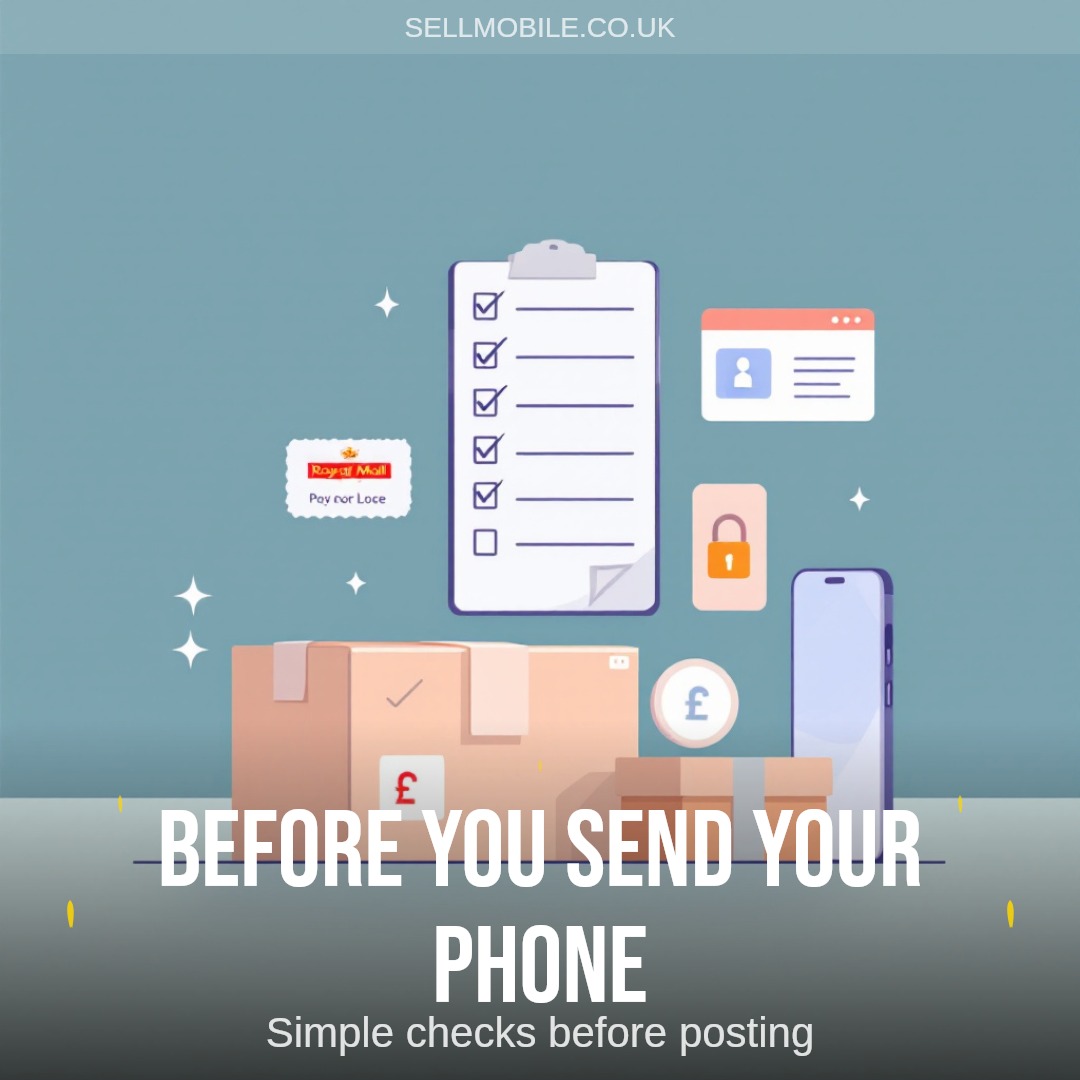
Before you send your phone to SellMobile, spend a few minutes checking the basics. It helps protect your data, keeps the quote tied to the right device, and reduces delays once the phone arrives.
This checklist is for anyone who has already chosen a device and is getting ready to post it.
Back up anything you want to keep
Save your photos, contacts, messages, authenticator apps and any files you still need. Use iCloud, Google backup, Samsung Cloud, a computer backup, or another method you trust.
Once the phone has been reset, your data may not be recoverable. Check the backup before you wipe the device, especially if you use the phone for banking, work apps or two-factor authentication.
Remove accounts and tracking locks
Account locks can stop a phone being assessed properly. Before posting, remove:
- Find My iPhone or Activation Lock
- Google account protection
- Samsung account locks
- screen passcodes, PINs and patterns
- device tracking or management profiles
If you are selling an iPhone, sign out of iCloud before resetting it. If you are selling an Android phone, remove Google and manufacturer accounts first. A factory reset alone may not remove every lock.
Factory reset the phone
After your backup and account checks are done, reset the phone from the settings menu. This clears your personal data and gives the assessor a clean device to check.
If the screen is damaged and you cannot complete a reset, say so when you get the quote. It is better to be clear about the issue than to send a locked or unusable phone without context.
Take out SIM and memory cards
Remove your SIM card before posting the phone. If the phone has a microSD card, take that out too.
Cases, screen protectors and old accessories are usually not needed unless the quote process specifically asks for them. Keep anything that contains personal data or account access.
Check the condition honestly
Condition affects the final quote, so look over the phone before you pack it. Check the screen, back glass, frame, cameras, buttons, speakers, microphone, charging port and whether the phone powers on normally.
Common things to check include:
- cracks on the screen or back
- display lines, black marks or flickering
- charging problems
- camera faults
- speaker or microphone issues
- bent frames or heavy dents
- water damage signs
- account locks or passcodes
Choose the condition that matches the phone as it is today. That gives you a clearer quote and avoids avoidable changes after inspection.
Match the exact model and storage
Make sure the device you selected on SellMobile matches the phone in your hand. Similar names can mean different values, especially across 4G and 5G versions, Pro and standard models, or different storage sizes.
You can usually find the model and storage in the phone settings. If you are unsure what the phone is worth, the how much is my phone worth page explains the main valuation factors.
Pack the phone properly
Use a firm box or padded packaging. Wrap the phone so it cannot move around inside the parcel, and add protection around the corners and screen.
Do not send the phone loose in an envelope. A few extra minutes of packing can prevent damage in transit.
SellMobile provides a prepaid Royal Mail label with up to £150 insurance. If your phone is worth more than £150, we advise using Royal Mail Special Delivery so the full value of the device is covered in transit.
Get ready to send it
Once the phone is backed up, unlocked, reset and packed, keep a note of your quote details and postage information.
If you still need to start the quote, use sell my mobile to choose the exact device, storage and condition before you post it.