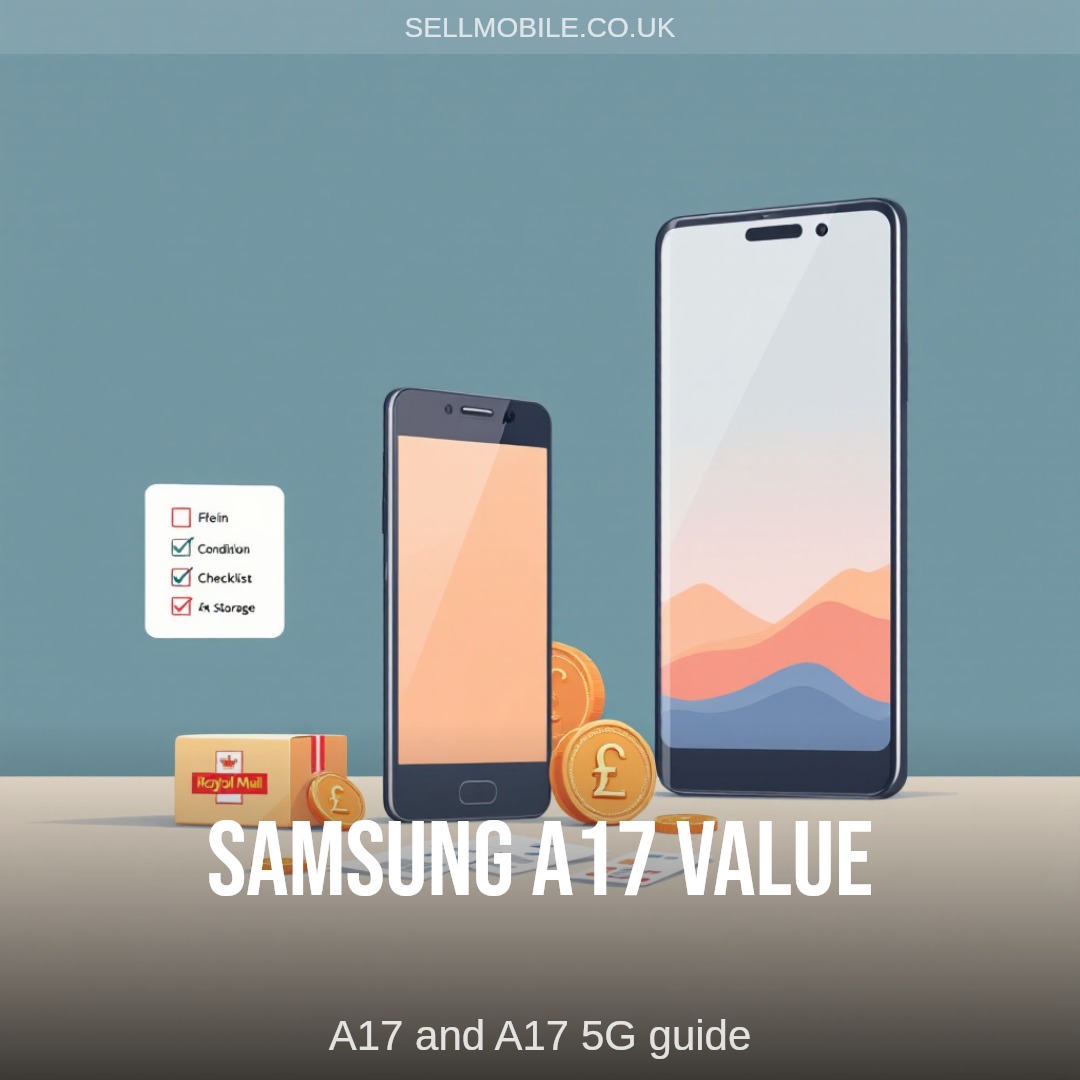
If you want to sell a Samsung Galaxy A17 or A17 5G, the quote depends on the exact model, storage, condition and whether the phone is fully working. The A17 and A17 5G are close in name, but they need to be checked separately because demand and specs are not always the same.
The simplest route is to choose the exact device before you compare anything else. That keeps the quote tied to the phone you actually have, not a similar Samsung A Series model.
Start with the right A17 model
Check whether your phone is the Samsung Galaxy A17 or the Samsung Galaxy A17 5G. The name is usually shown in the phone settings, on the original box, or on an order receipt.
You can go straight to the right SellMobile page:
If you are unsure, do not guess. A 5G version can have a different quote from the standard model, and picking the wrong one may slow down the assessment.
Storage can change the quote
Storage matters because two phones in the same condition can still have different values. A higher-storage A17 may be worth more than the entry version, but the final quote still depends on demand and condition at the time you sell it.
Before getting a quote, check the storage in your settings. Make sure you choose the matching storage option rather than relying on memory, especially if the phone was bought as part of a contract or family upgrade.
Condition is more than scratches
Condition is one of the biggest factors. Light wear is different from cracked glass, screen lines, charging faults or a phone that will not power on.
Before you sell your Samsung A17, check:
- whether the screen and back glass are cracked
- whether the display has lines, black marks or flickering
- whether the charging port works normally
- whether the cameras, speaker and microphone work
- whether the frame is bent or badly marked
- whether the phone is locked to a Samsung or Google account
Be clear about faults at the quote stage. A realistic condition choice gives you a smoother assessment and reduces the chance of the offer changing later.
Account locks need removing
Remove Samsung account locks, Google account locks, screen passcodes and any device-tracking settings before sending the phone. If the phone arrives locked, it may not be possible to assess or reuse properly.
Back up anything you want to keep, then factory reset the phone. If the screen is damaged and you cannot complete the reset, mention that before posting it.
Timing can matter for A Series phones
Samsung A Series phones tend to appeal to buyers who want practical everyday devices. That can help demand, especially while a model is still current and easy to compare against newer budget phones.
Waiting is not always bad, but phones usually lose value as newer models arrive and more used stock appears. If the A17 is sitting unused, it is worth checking the quote while demand is still visible.
For wider Samsung guidance, see our Samsung phone selling page. If you want the broader quote flow, start with sell my mobile.
Pack it properly before sending
Remove the SIM card, memory card and case. Wrap the phone so it cannot move around inside the parcel, and use padding around the corners and screen.
SellMobile provides a prepaid Royal Mail label with up to £150 insurance. If your phone is worth more than £150, we advise using Royal Mail Special Delivery so the full value of the device is covered in transit.
Get the exact A17 quote
The best next step is to check the exact model, storage and condition. Use the Samsung Galaxy A17 page for the standard model, or the Samsung Galaxy A17 5G page for the 5G version.
If you want to understand the valuation factors first, our how much is my phone worth page explains how condition, age and demand affect phone value.